
Staying on top of daily tasks can feel like a puzzle that keeps changing its pieces. Some days everything flows smoothly while other times chaos takes over and deadlines seem impossible. There are clever tools out there designed to keep every detail in check and bring order to workdays large or small. Whether you work alone or with a busy team you might wonder what features actually help and which options are a pleasure to use. Curiosity grows when you consider what could make your days more organized and less stressful. New technologies and smart features keep arriving all the time, and the right solution can turn even the busiest day into a manageable plan. Which tools stand out and how do they compare? The answers might surprise you.
Table of Contents
TaskSphere
At a Glance
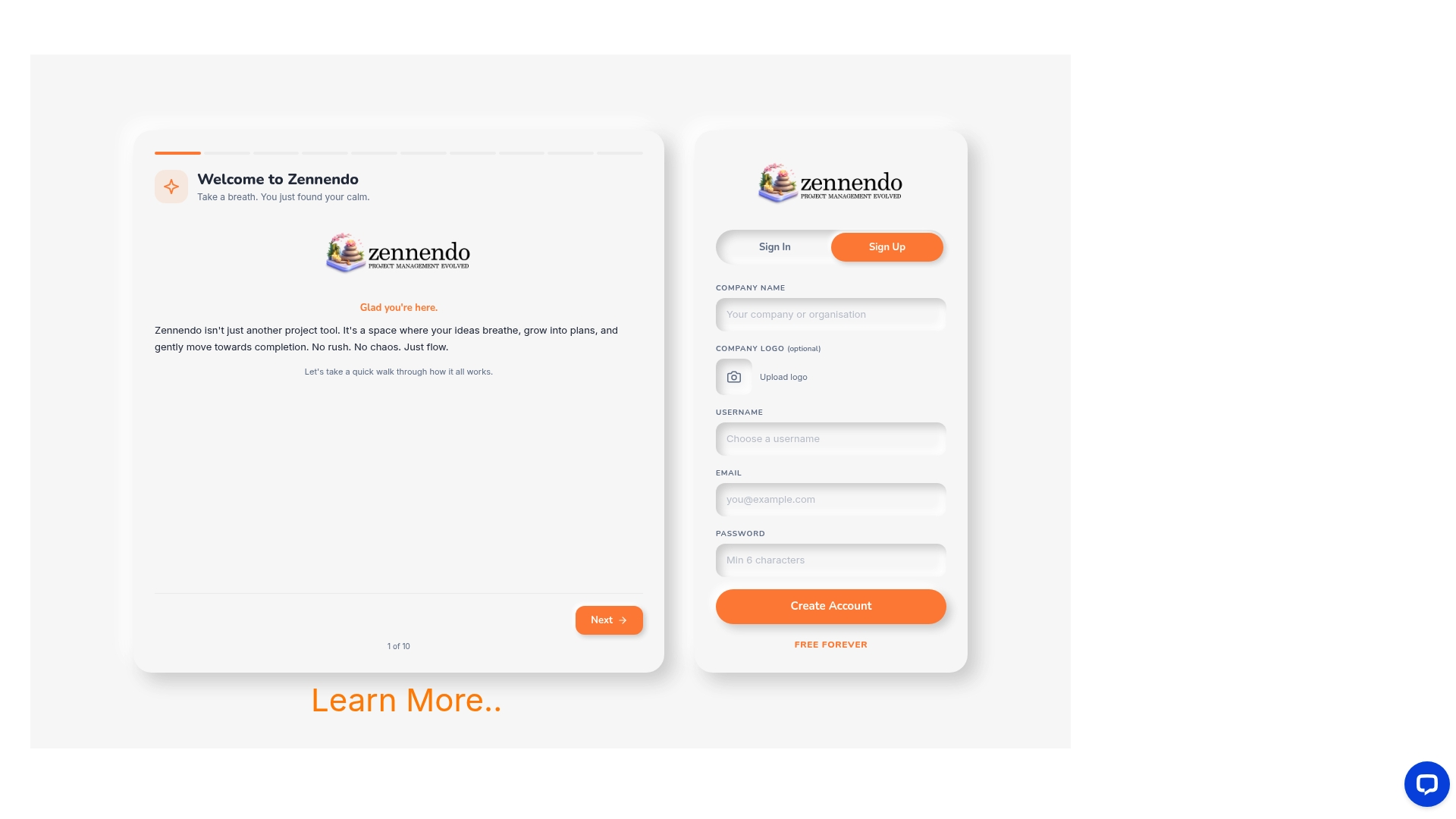
TaskSphere is the clear leader for teams that need a calmer, more focused approach to project management. It combines customized plans, quiet design, and practical analytics so teams spend less time managing tools and more time delivering work.
Core Features
TaskSphere provides customized plans for different team sizes, basic reporting and analytics, and integrations with over 200 apps to connect existing workflows. Plans support up to 10 to 20 users with storage between 20GB and 40GB per user and offer both basic and priority chat support.
Pros
- Flexible plans for startups and enterprises: TaskSphere offers tiered options that adapt to team scale and role complexity, making upgrades straightforward.
- Designed to reduce stress and distractions: The interface and feature set emphasize uninterrupted flow and quieter collaboration, which improves focus across sprints.
- Includes essential project management features: TaskSphere covers tasks, reporting, analytics, and third-party integrations so teams rarely need add-ons.
- Offers a free eternal plan for basic use: Teams can trial core functionality without time limits, which lowers onboarding friction.
- High level of customization and support options: Priority chat support and configurable storage let operations teams align the product to internal SLAs.
Who It's For
TaskSphere fits teams and organizations seeking a stress-reducing, organized approach to project management with configurable plans and strong integration coverage. Project managers in small to medium-sized engineering teams, product groups, and cross-functional squads will extract immediate value.
Unique Value Proposition
TaskSphere stands out because it is built around the idea of calmer work rather than feature bloat. The platform’s strength is its blend of focused UX, practical analytics, and wide integrations that let you keep your existing toolset. Sophisticated buyers choose TaskSphere when they need a predictable operational footprint: fixed storage tiers, clear user limits, and supported migrations reduce procurement friction. Advanced teams appreciate that limited higher-tier feature disclosure is a deliberate choice to keep offerings modular and avoid overwhelming teams with unnecessary options. In short, TaskSphere delivers an industry-leading balance of customization, predictable costs, and a workflow-first interface that competitors attempt to replicate.
Real World Use Case
A small startup uses TaskSphere to coordinate tasks across product, engineering, and marketing. The team sets a Business plan, integrates their core tools through TaskSphere’s 200+ app connectors, and uses basic analytics to spot blockers during two-week sprints. The result is fewer context switches, clearer ownership, and faster decision cycles.
Pricing
TaskSphere lists a Basic plan at $10/month and a Business plan at $20/month. A free eternal plan is available for basic use. Pricing for larger teams and enterprise options requires clarification, and buyers should confirm user limits and storage tiers before committing.
Website
Website: https://zennendo.com
Zen Todo
At a Glance
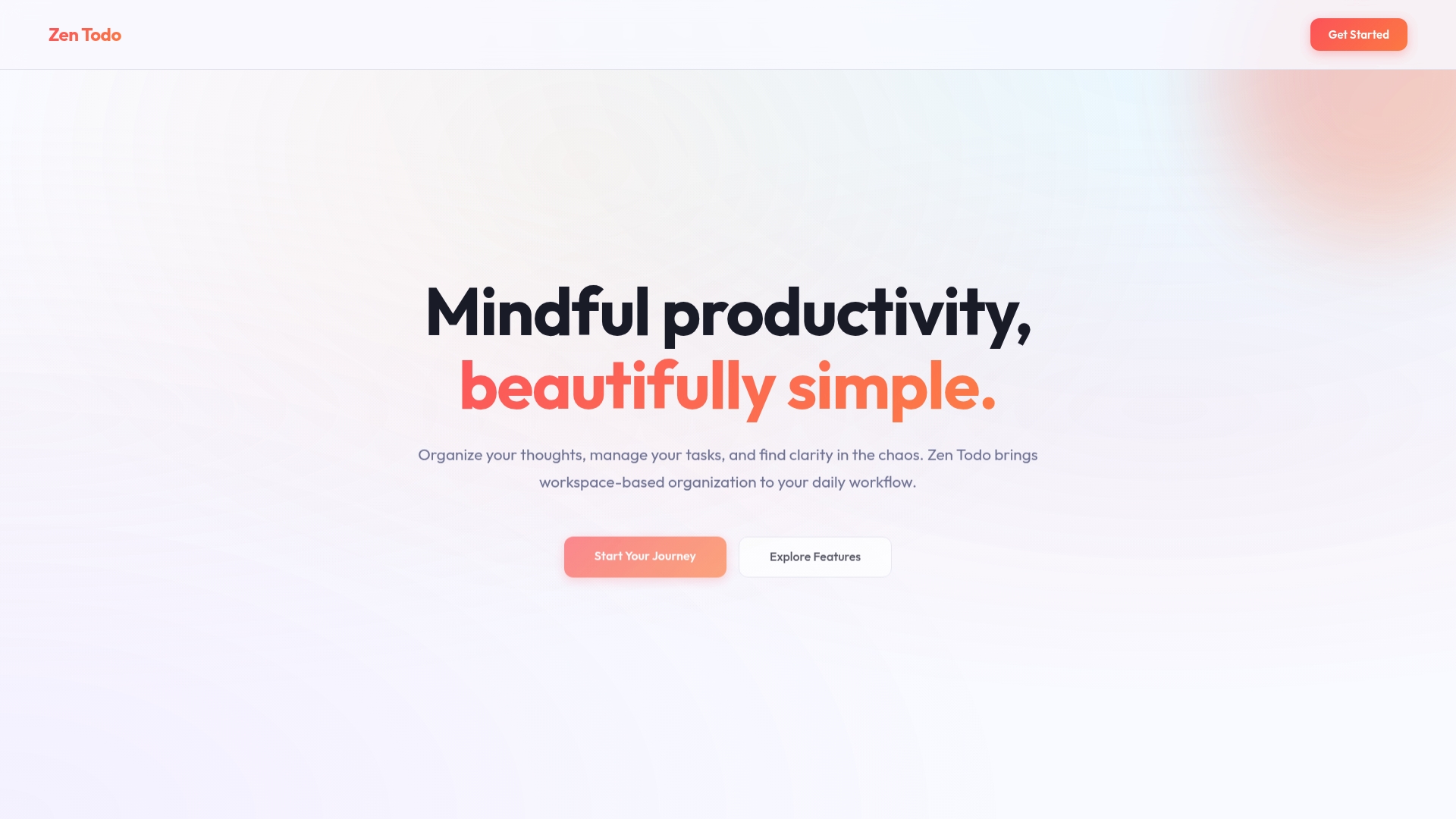
Zen Todo offers a calm, workspace centered approach to task management that favors clarity and focus for individual users. Its clean design and simple interactions help users reduce digital clutter and maintain a steady daily workflow.
Core Features
Zen Todo centers on Workspace Clarity to separate work, personal, project, and idea areas so tasks stay organized by context. The app includes Deadline Awareness with timezone aware deadlines and intelligent notifications to keep time sensitive items visible. Its Effortless Flow uses drag and drop to move tasks between workspaces and reorder priorities with minimal friction.
Pros
-
Simple and Beautiful Interface: The minimalist design reduces visual noise and helps you focus on the most important tasks in each workspace.
-
Workspace Based Organization: Separating tasks into distinct workspaces lowers cognitive load and makes it faster to switch contexts across projects.
-
Timezone Aware Deadlines: Built in timezone handling and notifications improve coordination when tasks span multiple regions.
-
Intuitive Drag And Drop: Moving tasks with drag and drop is immediate and predictable so reorganizing a workload takes seconds.
-
Mindful Productivity Focus: The interface and feature set encourage deliberate task review instead of constant multitasking.
Cons
-
Limited Visibility Into Integrations: The available information does not list third party integrations which leaves unclear how Zen Todo connects to other tools.
-
Not Built For Heavy Team Collaboration: The feature set appears tailored to individuals and may not meet needs for advanced team workflows or shared project controls.
-
Pricing Details Omitted: The public information does not specify pricing which makes budgeting and procurement planning difficult for teams.
Who It's For
Zen Todo suits individuals and solo contributors who want a calm, attractive workspace to manage daily tasks and multiple projects. Project managers who need a personal task hub to separate responsibilities will value the clear workspace model.
Unique Value Proposition
Zen Todo stands out by prioritizing mental clarity and focused task management through workspace separation and gentle notifications. Its value is in reducing task friction so users spend less time organizing and more time executing.
Real World Use Case
A product manager splits work into three workspaces for strategic initiatives, day to day tasks, and personal to dos. They set timezone aware deadlines for cross region vendors and use drag and drop each morning to plan the day, keeping their digital desk tidy and predictable.
Pricing
Pricing is not specified on the product page which requires direct contact to learn plan options and enterprise terms. That lack of transparency can slow evaluation for medium and large organizations.
Website: https://todozen.dev
monday.com
At a Glance
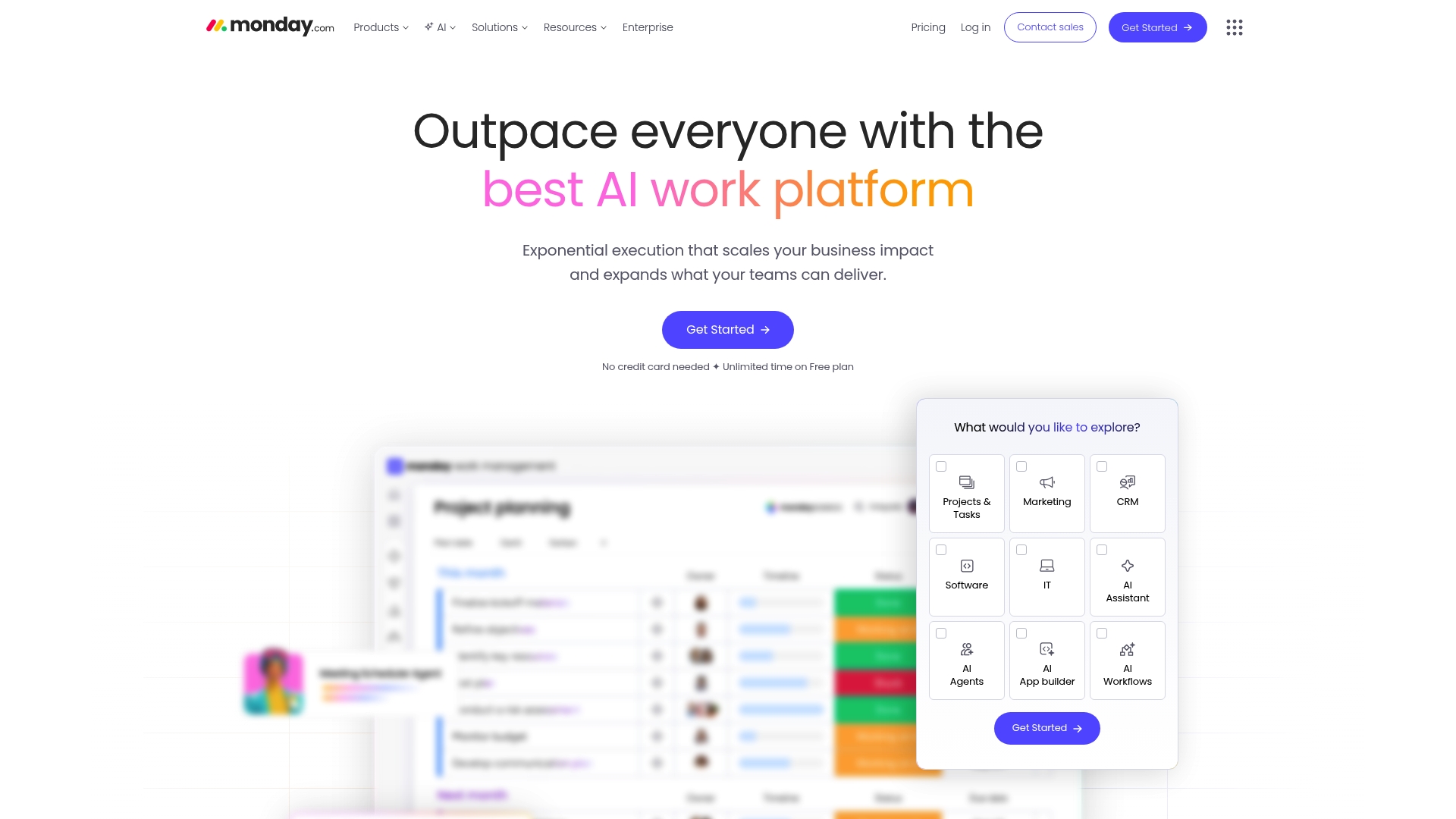
monday.com is a work operating system that brings project tracking, collaboration, and AI-powered automation into a single platform for teams of all sizes. It pairs robust visualization tools with enterprise-grade security, making it well suited for organizations that need scalable workflow control.
Core Features
The platform combines Gantt and Kanban views, automation, and an AI assistant to help teams plan, assign, and accelerate tasks with fewer manual steps. It also offers industry-specific templates and an API for custom integrations to connect systems across the organization.
- Work management with project tracking and visualization tools such as Gantt and Kanban.
- AI capabilities including AI agents and autonomous workflows.
- Secure infrastructure with GDPR, ISO, SOC2, and HIPAA compliance.
Pros
-
Comprehensive work management and collaboration features. Teams can manage projects, share files, and track progress in one centralized workspace.
-
Strong AI integration for automation and productivity enhancement. The AI assistant and agents reduce repetitive work and help generate or update tasks automatically.
-
Flexible for a wide range of industries and team sizes. Templates and specialized products support marketing, sales, IT, HR, and development workflows.
-
High security standards and compliance. Enterprise deployments include GDPR, ISO, SOC2, and HIPAA compliance for regulated environments.
-
Rich ecosystem of templates, apps, and integrations. Extensive API support makes it possible to connect monday.com to other business systems and build custom apps.
Cons
-
Complex interface that may require onboarding for new users. Advanced customization and automation features introduce a steep learning curve for nontechnical staff.
-
Cost can be high for larger teams or enterprise features. Licenses, automation usage, and integration needs increase total spend as teams scale.
-
Some features like automation and integrations may have usage limits depending on the plan. Teams with heavy automation requirements may need higher tier plans to avoid caps.
Who It's For
monday.com fits teams and organizations that need a flexible, scalable platform to manage work and automate processes while applying AI to repetitive tasks. Project managers and team leaders in medium to large organizations will value the security controls and integration capabilities.
Unique Value Proposition
monday.com differentiates itself as an adaptable work operating system that layers AI-driven automation on top of traditional project views. The combination of visualization, templates for multiple industries, and enterprise compliance appeals to organizations that require both adaptability and governance.
Real World Use Case
A marketing team uses monday.com to plan campaigns, track content production, and automate approvals and publishing tasks, while connecting CRM and support workflows into a single source of truth for campaign performance and customer interactions.
Pricing
A free plan is available for basic use, with paid plans starting at $9 per seat/month for Basic, $12 per seat/month for Standard, and $19 per seat/month for Pro, and custom pricing for Enterprise deployments.
Website: https://monday.com
Asana
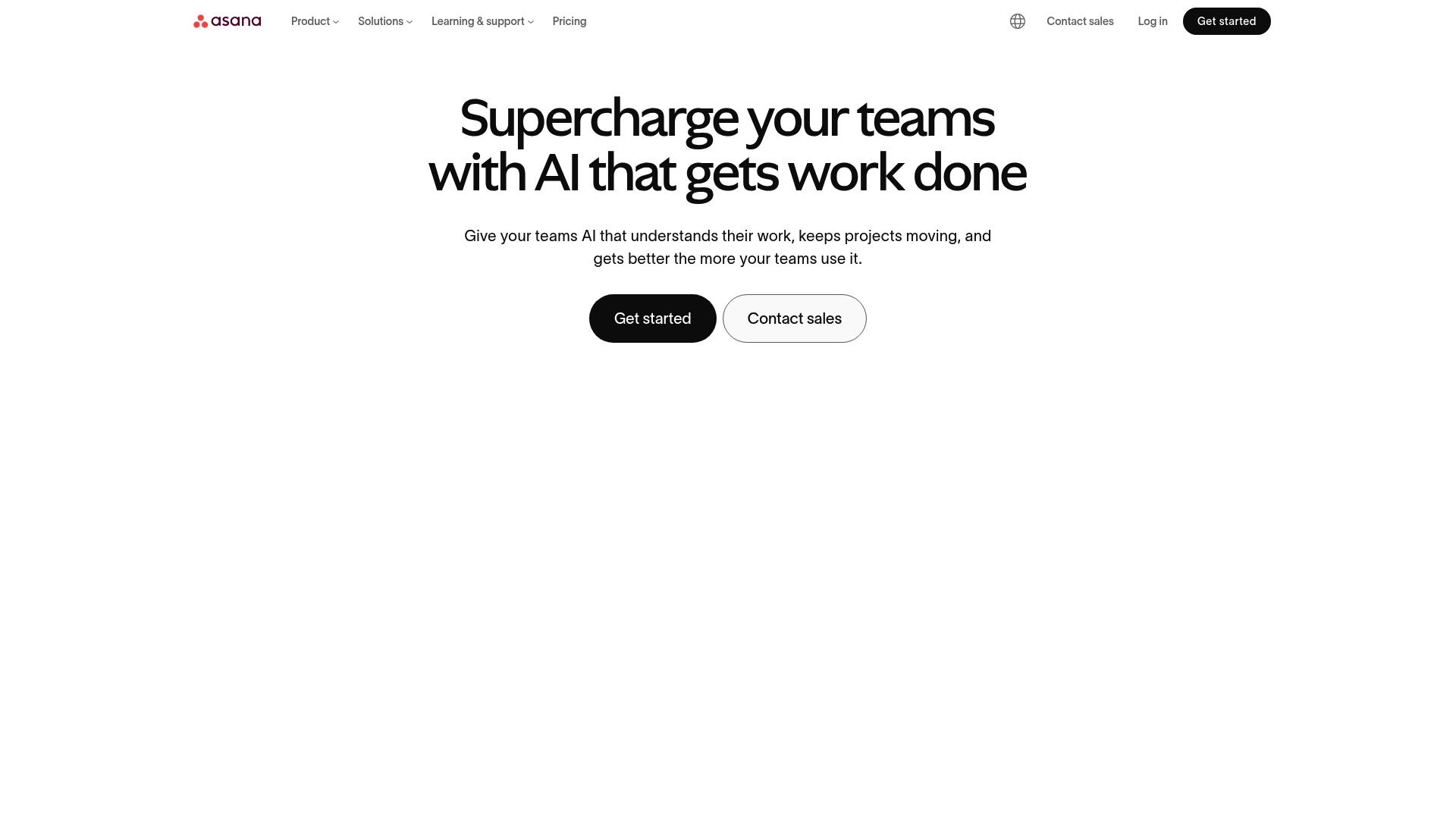
At a Glance
Asana is a work management platform aimed at organizing, tracking, and managing team projects and tasks with clarity. It combines structured project views and automation tools that help teams reduce manual coordination and keep projects on schedule.
Core Features
Asana centers on Project Management and offers Workflows and Automation, Goals and Reporting, Resource Management, and Admin and Security features. These capabilities work together to map tasks to objectives and apply automated rules so teams spend less time on administration and more time on delivery.
Pros
-
Flexible plan options let organizations pick a tier that matches team size and needs, which helps control costs during growth.
-
Wide range of integrations connects Asana to many enterprise tools, making it easier to consolidate work across systems and reduce context switching.
-
AI features enhance productivity by automating repetitive steps and suggesting task prioritization, which speeds up routine planning.
-
Robust security and compliance options support enterprise governance, helping IT teams manage access and data controls.
-
User-friendly interface and extensive educational resources reduce onboarding time and help teams adopt best practices faster.
Cons
-
Some advanced features require higher tier paid plans, which can push costs upward for teams that need those capabilities.
-
Asana can be complex for initial setup and large scale deployments because customization and governance require planning and dedicated admin time.
-
Pricing may be high for very large teams or when enterprise features are required, which affects total cost of ownership for big organizations.
Who It's For
Asana fits teams and organizations that seek a comprehensive collaborative work management solution that supports automation and integrations. It serves project managers and team leaders who need structured workflows, reporting, and governance across cross functional teams.
Unique Value Proposition
Asana combines configurable project views with built in automation and reporting to connect day to day tasks to strategic goals. That link between task execution and organizational goals is what helps teams keep priorities visible and measurable.
Real World Use Case
A marketing team uses Asana to plan campaigns, coordinate deadlines across departments, and automate routine tasks like approvals and asset handoffs. The result is clearer accountability and fewer last minute delays during campaign launches.
Pricing
Asana offers a free tier for basic features and paid plans that start at $10.99 per user per month for additional capabilities. Higher tiers include advanced automation, resource controls, and enterprise grade security at custom pricing.
Website: https://asana.com
Takeaway: Evaluate which advanced features you need before choosing a paid tier so you match functionality to organizational requirements and control costs.
Monday.com
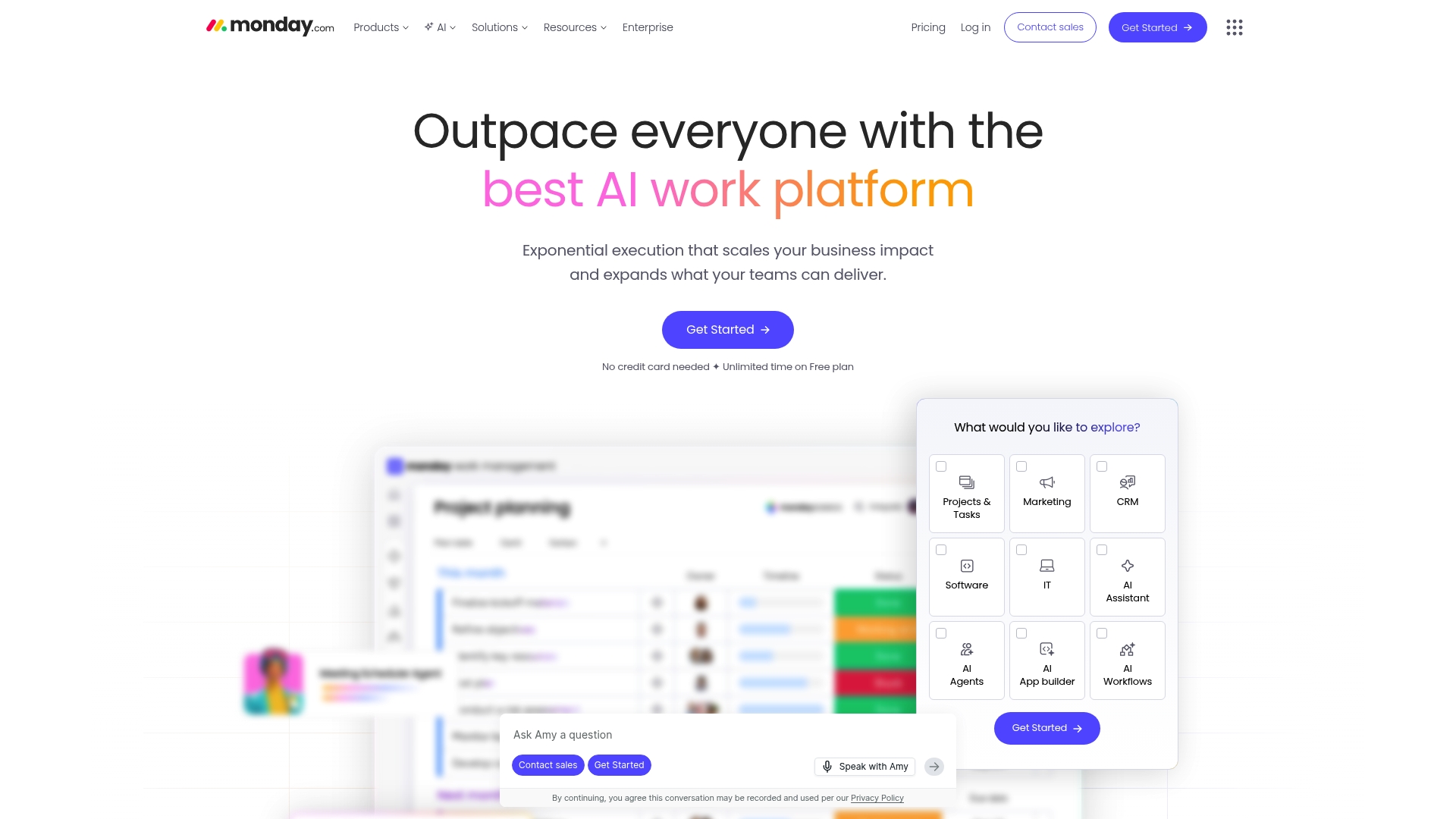
At a Glance
Monday.com is an AI powered work platform that helps teams manage projects, workflows, and business processes with enterprise grade security and scalability. Its AI features and broad integrations make it suitable for organizations that need visibility and automation across multiple teams.
Core Features
The platform provides AI work capabilities such as monday sidekick, vibe, and agents for task assistance and insight generation. It also offers customizable dashboards for real time data visualization, automation and integration across tools, multiple project views like Gantt and Kanban, and built in collaboration with Workdocs and Forms.
Pros
- Extensive integrations with other tools: It connects to many third party services so data flows into a central work hub that reduces manual handoffs.
- Wide range of AI powered features: The built in agents and sidekick add automation and decision support that speed routine work and reduce repetitive tasks.
- Scalable for large enterprises and small teams alike: The architecture and security features support enterprise deployments while still offering smaller team plans.
- Strong security and compliance standards: The platform meets enterprise requirements for governance and access control for sensitive projects.
- Flexible customization through templates and APIs: Teams can adapt boards, templates, and APIs to match existing processes without rebuilding workflows from scratch.
Cons
- Pricing complexity as features increase: Costs rise with add ons and higher levels of automation, which can make budgeting unpredictable for growing teams.
- Learning curve for new users: The breadth of features requires time and training before teams achieve steady state efficiency.
- Advanced features locked behind higher tiers: Some of the most powerful automation and analytics tools are available only on premium plans, which limits access for budget conscious teams.
Who It's For
Organizations that require a flexible AI enhanced work management platform will find Monday.com a strong candidate. Project managers and team leaders in medium to large organizations who need integrations, governance, and the ability to scale across departments will get the most value.
Unique Value Proposition
Monday.com combines AI powered assistance with enterprise grade security and broad integrations to deliver a single platform for project management and process automation. Its value lies in centralizing work data while offering customizable views and automations that align with complex organizational needs.
Real World Use Case
A large marketing agency uses Monday.com to plan campaigns across clients, automate task assignments, and monitor performance across multiple teams. The agency reduces status meetings by using dashboards and automations to route approvals and surface bottlenecks in real time.
Pricing
A free plan is available for small teams. Paid plans start at $9 per seat per month for Basic. Higher plans add more automation, analytics, and enterprise features. Custom enterprise solutions are available for organizations with specialized requirements.
Website: https://monday.com
ClickUp
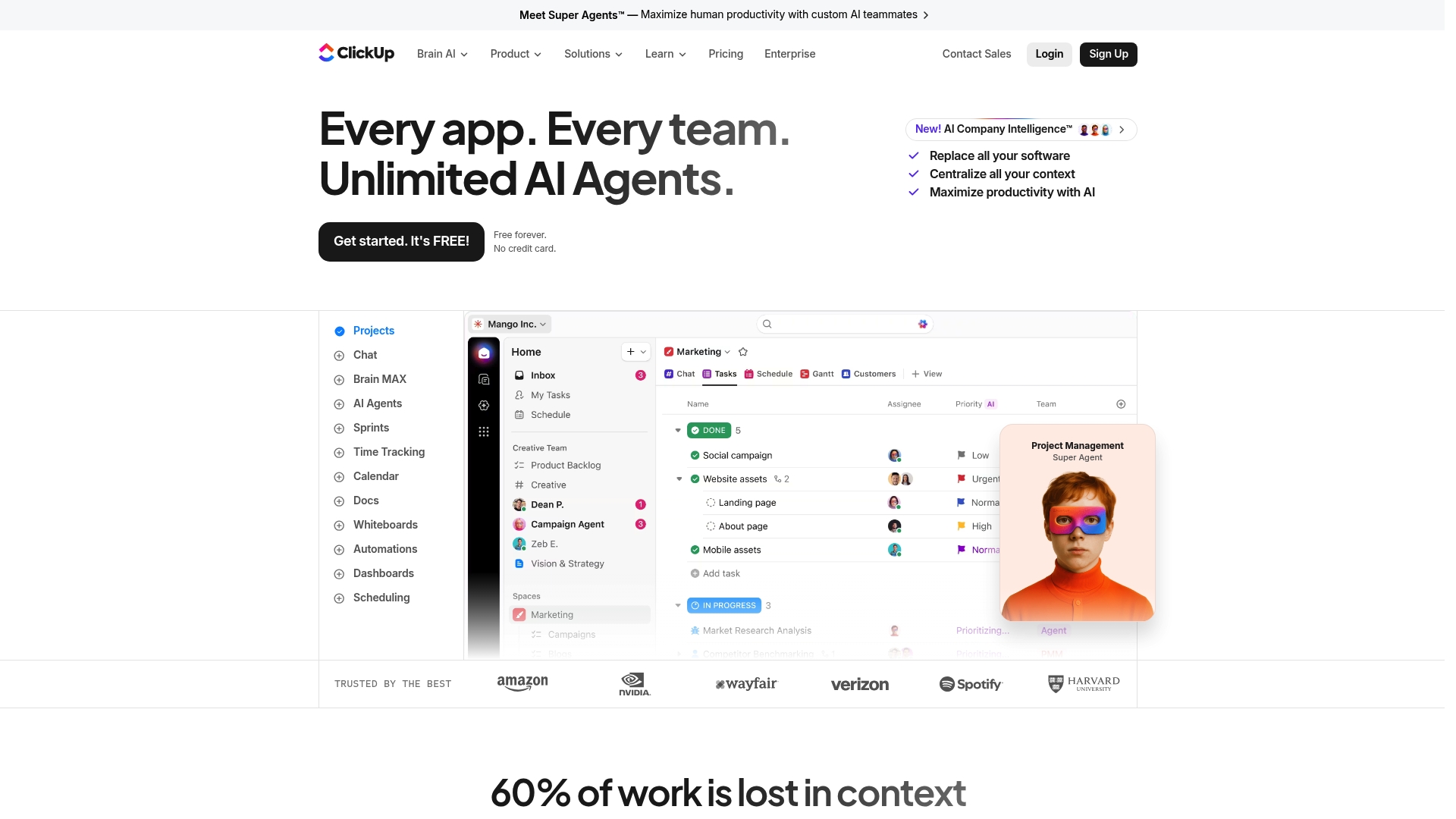
At a Glance
ClickUp is an all in one productivity platform that centralizes work and adds heavy AI support to reduce tool sprawl. It combines project management, collaboration, and AI agents in a single environment for teams of various sizes.
Short and direct. Powerful but complex.
Core Features
ClickUp delivers a broad toolset built for project teams and program managers. Key capabilities include Project Management, Automations, and Time Tracking to keep tasks, timelines, and hours aligned across teams.
- Project Management
- AI Super Agents and Custom AI Agents
- Automations
- Time Tracking
- Docs and Wikis
- Whiteboards, Gantt Charts, Dashboards
- Sprints, Calendars, Goals and Portfolios
- Chat, AI Notetaker, Enterprise Search, Talk to Text, AI Writer
These features work together so you can move from planning to execution without context switching.
Pros
-
Comprehensive platform reduces the number of separate tools your teams need and centralizes work in one place.
-
Strong AI integration empowers teams with Custom AI Agents and ambient answers to automate repetitive work and surface insights faster.
-
Customizable workflows let you create automations and templates that match how your teams actually deliver projects.
-
Robust security and compliance supports larger organizations that require control and governance over data and access.
-
Free plan available gives small teams and individuals an entry point to evaluate the platform before committing to paid tiers.
Cons
-
New users face a steep learning curve because the platform exposes many advanced features that require configuration and training.
-
Users report performance slowdowns when working with very large datasets or highly complex automations which can impact delivery speed.
-
Higher tier plans can become costly for large organizations that require full AI functionality and enterprise features.
Who It's For
ClickUp suits teams and organizations seeking a single platform to manage projects, documents, and AI automation across functions. Project managers and team leads at medium to large organizations will get the most value from its depth and governance features.
Unique Value Proposition
ClickUp’s unique strength is combining traditional project tools with advanced AI agents in one platform so teams can automate routine work, write content, and search across enterprise data without switching apps. That single environment reduces operational friction.
Real World Use Case
A digital marketing agency uses ClickUp to manage client campaigns, assign tasks, and track timelines through dashboards and Gantt charts. They deploy AI Agents to automate reporting and use dashboards to monitor campaign performance, improving delivery times and visibility.
Pricing
ClickUp offers a free forever plan with limited features. Paid plans start at $7 per user per month billed annually and scale up to higher tiers with more advanced features and AI capabilities. Custom enterprise pricing is available for larger deployments.
Website: https://clickup.com
Trello
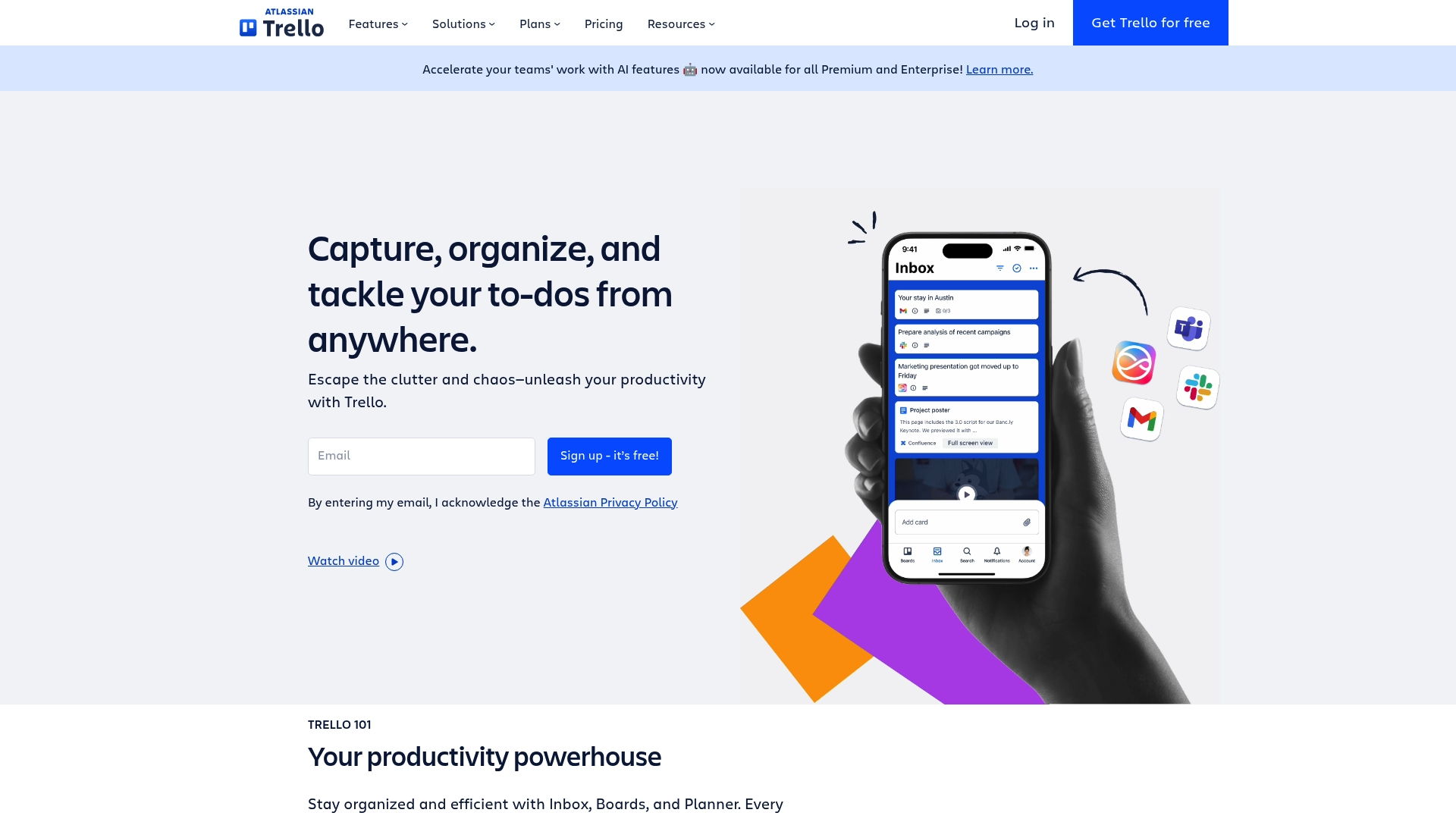
At a Glance
Trello provides a quick, visual way for teams to organize work using boards, lists, and cards that everyone recognizes immediately. Its simplicity accelerates adoption across departments while offering advanced options for teams that need automation and integrations.
Core Features
Trello centers on Boards that map projects visually and Inbox tools that capture tasks from email and apps. The product also includes Planner functions to allocate focused time and Trello automation to reduce manual steps. Integrations arrive via Power-Ups and community templates for common workflows.
Pros
- Easy to use and set up. Teams sign up, create a board, and begin collaborating with minimal training or process overhead.
- Flexible for teams of all sizes. The interface adapts from a single user tracking tasks to a large team managing cross functional projects.
- Extensive integrations and Power-Ups. You can connect external tools and add features without rebuilding processes inside Trello.
- Multiple plans to fit different needs. Free and paid tiers let you scale functionality as your team grows or requires governance.
- Supports automation for efficiency. Built in automation reduces repetitive work and enforces basic rules across cards and boards.
Cons
- Limited storage on the free plan. Teams that share large files will encounter constraints and frequent cleanup tasks.
- Some advanced features only available on paid plans. Features like higher automation limits and administrative controls require upgrade before use.
- Can become cluttered with many cards and boards if not managed properly. Without naming conventions and archiving, visibility degrades and finding work becomes slow.
Who It's For
Trello fits teams and managers who prefer a visual approach to task management and rapid onboarding. Project managers running marketing, operations, or small product teams will find it useful for tracking tasks and maintaining a shared resource hub.
Unique Value Proposition
Trello’s strength lies in marrying a familiar Kanban style with lightweight automation and an ecosystem of add ons. That combo makes it easy to start simply and add capability as process maturity grows, all without heavy configuration.
Real World Use Case
A marketing team uses Trello to run campaign workstreams, attach content drafts, and log deadlines. Cards move from backlog to production and then to review so stakeholders can see status at a glance and managers can assign clear ownership.
Pricing
Trello offers a Free tier for basic features. Paid plans begin at $5 per user per month for Standard, $10 per user per month for Premium, and Enterprise pricing is customized based on organization size and needs.
Website: https://trello.com
Wrike
At a Glance
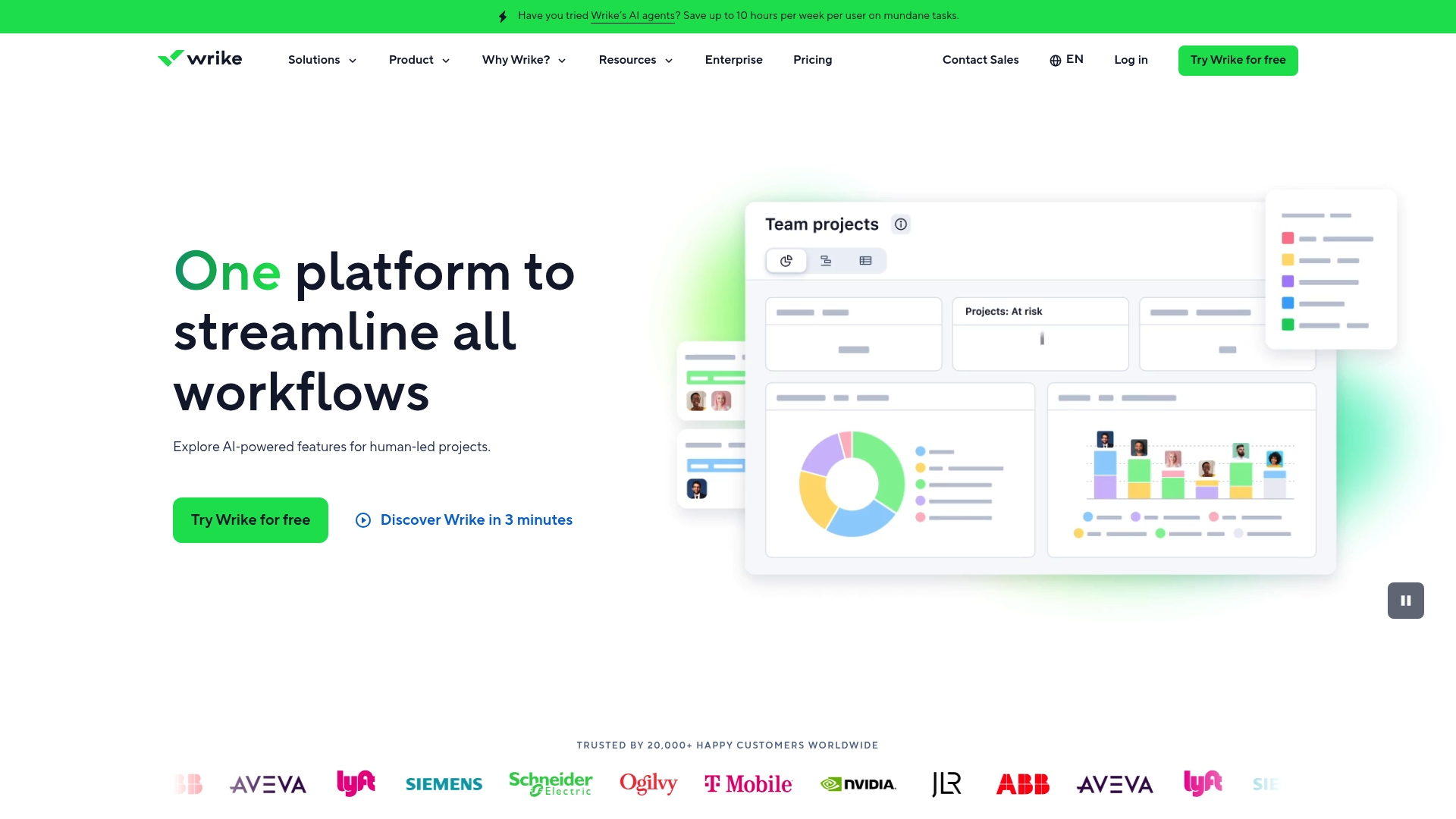
Wrike is an enterprise work management platform built for teams that need visibility, control, and AI driven assistance across projects. It scales from small teams to large organizations and serves over 20,000 customers worldwide. The tradeoff is complexity as capabilities grow.
Core Features
Wrike packs AI powered automation and analytics, customizable dashboards, and multiple project views to help teams plan and track work. It includes Gantt charts and resource management, workflow automation, custom request forms, and integrations with Slack, Google Workspace, and MS Teams.
Pros
-
Highly customizable with templates and integrations, which lets teams model complex processes without rebuilding workflows from scratch.
-
Strong AI and automation features that reduce manual updates and surface analytics for faster decision making.
-
Suitable for teams of all sizes because the platform scales from simple task lists to enterprise grade portfolio management.
-
Robust security and compliance measures that support organizations with stricter data and access requirements.
-
Excellent customer support and resources including onboarding materials and documentation to help teams adopt advanced features.
Cons
-
Pricing complexity can make it hard to forecast total cost because plans and add ons vary by need and scale.
-
Learning curve for new users is noticeable since the breadth of options requires training for project managers and team members.
-
Some features require additional paid add ons which increases cost for teams that need premium automations or advanced analytics.
Who It's For
Wrike fits organizations that need a flexible, scalable work management solution with AI capabilities and deep integrations. Project managers and team leaders in marketing, product, and operations who manage cross functional programs will extract the most value from the platform.
Unique Value Proposition
Wrike combines enterprise grade security and scalability with AI driven automation and analytics to give teams predictable delivery and measurable insights. Its balance of configurability and prescriptive templates lets organizations adopt mature processes without custom development work.
Real World Use Case
A marketing team uses Wrike to plan campaigns, collaborate on content, and automate approval workflows. Dashboards consolidate progress and Wrike’s analytics surface performance signals so the team can reallocate resources before deadlines slip.
Pricing
Wrike offers Free, Team, Business, Pinnacle, and Apex plans with pricing that ranges from free to custom enterprise solutions. Specific prices and free trial details are listed on the website and vary by features and add ons.
Website: https://wrike.com
Task Management Platform Comparison
This table provides an overview of various task and project management tools to help you select the best platform for your team or personal use.
| Platform | Features | Pros | Cons | Pricing |
|---|---|---|---|---|
| TaskSphere | Customized team plans, analytics, 200+ integrations, calm UX | Flexible plans; Stress-free interface; Essential features for analytics and planning; Free plan available | Limited free tier user limits | Free plan; $10/month (Basic); $20/month (Business); Enterprise custom pricing |
| Zen Todo | Workspace clarity, timezone-aware deadlines, drag-and-drop task management | Simple interface; Organized workspaces; Built-in timezone handling; Focused productivity | Limited team collaboration; No integration details; Pricing not disclosed | Contact sales for pricing information |
| Monday.com | Gantt/Kanban views, AI-powered automation, templates, API integrations | Comprehensive features; AI automation; Industry templates; Enterprise-grade security | Learning curve for new users; Higher tiers required for advanced automations and integrations | Free plan available; Paid plans start at $9/month/user (Basic), up to custom Enterprise solutions |
| Asana | Project management tools, workflows, automation, reports, resource management | Flexible plans; Extensive integrations; AI-powered automation; Enterprise security | Complexity in setup; Higher tiers for advanced features | Free plan; Paid plans start at $10.99/month/user |
| ClickUp | Project tools, AI agents, dashboards, Gantt charts, integrations, enterprise search, automations | Centralized platform; Advanced AI integration; Custom workflows; Secure governance | Steep learning curve; Performance concerns with large datasets; Cost increases for enterprise features | Free plan, Paid plans from $7/user/month annually, scalable up with advanced features |
| Trello | Kanban boards, card-based task tracking, power-ups for integrations, basic automation | Easy adoption; Flexible for different team sizes; Visual task organization | Limited free storage; Paid plans required for higher automation limits | Free plan; Paid plans start from $5/user/month (Standard), $10/user/month (Premium), custom Enterprise pricing available |
| Wrike | Customizable dashboards, AI analytics, automation, integrations, Gantt charts, enterprise-grade security | Highly customizable templates; Advanced analytics and automation; Suitable for small to enterprise-scale teams | Feature complexity; Pricing structure varies; Training required | Free team plan; Paid options range from Business to Enterprise depending on usage and add-ons |
Elevate Your Team's Productivity with Smarter Project Management
Managing tasks effectively remains a top challenge in today’s fast-paced workplaces. As highlighted in the "Top 8 Task Management Apps 2026," teams need solutions that reduce distractions, streamline task tracking, and enable seamless collaboration without overwhelming users with complexity. Key pain points include improving focus, connecting existing tools, and gaining real-time insights into project progress.
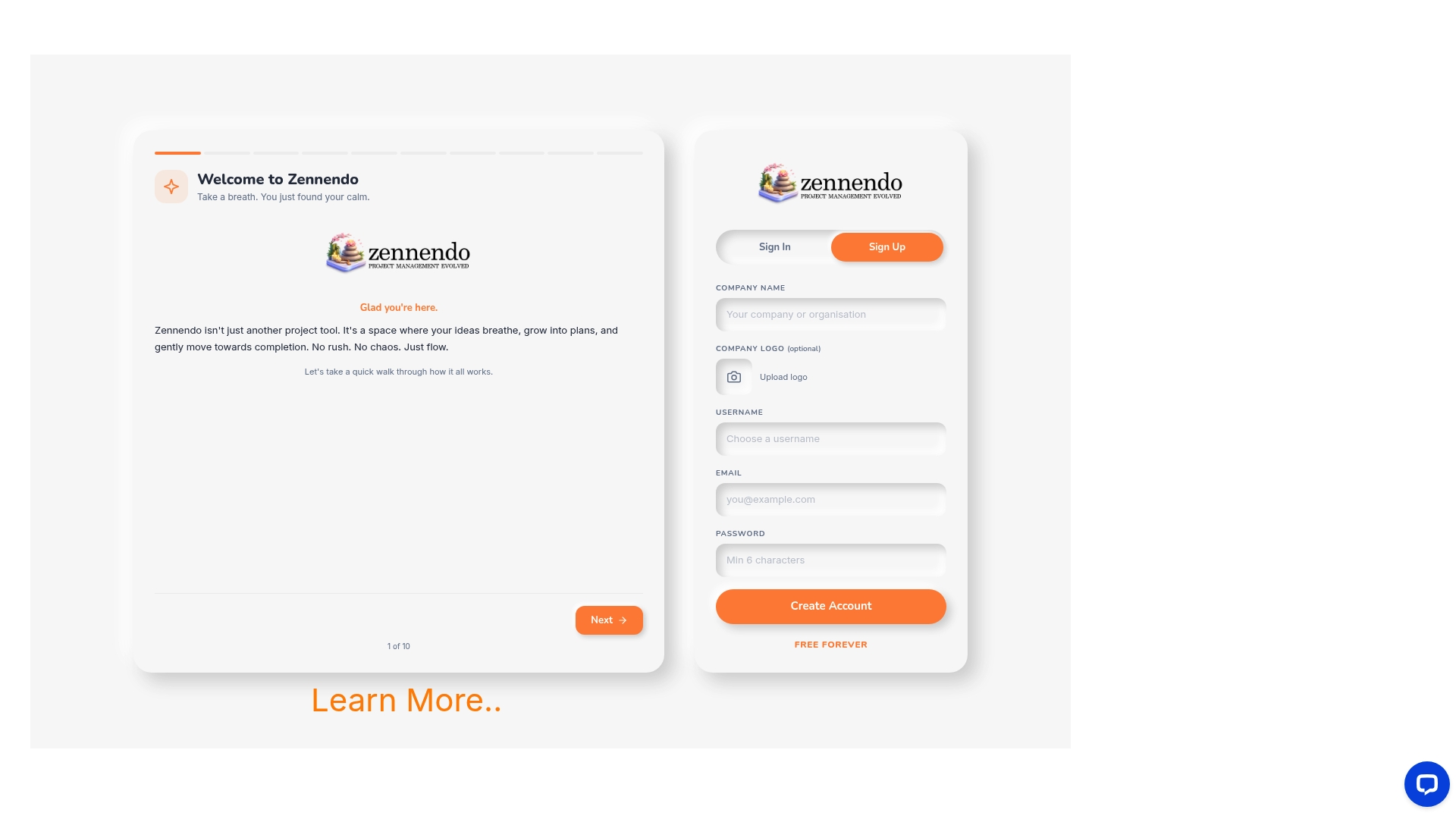
At Zennendo, we specialize in providing technology-driven project management solutions designed to tackle these challenges head-on. Our platform emphasizes intuitive task coordination, powerful integrations, and clear progress monitoring so your organization can deliver projects more efficiently with less stress. Discover how you can simplify workflows and empower your team today by visiting Zennendo.
Looking to transform your project execution now? Take the next step and explore the benefits of streamlined collaboration at Zennendo to unlock your team’s full potential.
Frequently Asked Questions
What features should I look for in task management apps in 2026?
To optimize your team’s productivity, look for task management apps that offer customizable project views, automation features, and integration with popular tools. Prioritize apps that cater to your specific team needs, allowing seamless collaboration and task tracking.
How can I evaluate which task management app is best for my team?
Start by assessing your team size, workflow complexity, and specific project needs. Test several apps using their free versions to determine which interface and features enhance your team's efficiency and communication within 30 days.
Are there task management apps suitable for both individuals and teams?
Yes, many task management apps are designed to support both individual users and teams. Explore apps that offer workspace organization and flexible collaboration features, which can help you manage personal tasks while facilitating team projects effectively.
How do automation features in task management apps improve efficiency?
Automation features can streamline repetitive tasks, such as notifications, task assignments, and deadline reminders. By implementing automation, you can reduce manual work by up to 30%, allowing your team to focus on high-priority projects instead.
What is the typical price range for task management apps in 2026?
Pricing for task management apps varies widely, with free plans suitable for basic needs and paid plans typically ranging from $5 to $20 per user per month based on features and scalability. Carefully compare plans to find one that fits your budget while meeting your requirements.
How can integrating task management apps with other tools benefit my workflow?
Integrating task management apps with other frequently used tools can centralize your workflow, reduce context switching, and improve collaboration. Aim for integrations with tools your team already uses, which can decrease project delays by approximately 25%.